

Note;
Colors listed are limited to the contents of the trim box. There may be additional colors outside trim.
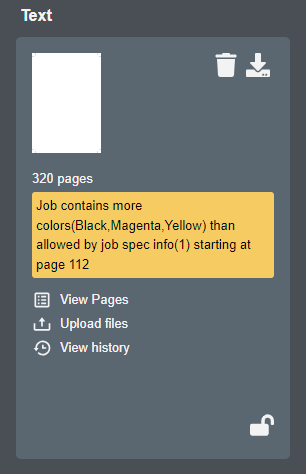
If a component banner message - similar to the one shown below - is displayed, the starting page references the ordinal page position and may not correspond to the actual page folio.
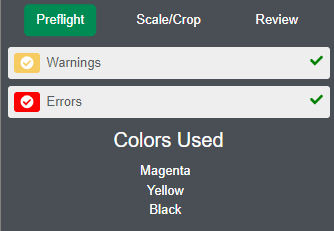
While in proof mode, click on the Preflight tab in the top right corner of the page. Colors are listed, on a per-page basis, as you navigate from page to page.
Optionally, you can review your original file or download a low resolution file. See this article for low resolution download options. Open the PDF in Acrobat and use the output preview window to view color separations. See Acrobat's documentation for help with the output preview feature if needed.