Publishers Hub - Lakeside Scout Troubleshooting
INITIAL SETUP
By now you should have received an email to set your password with our new single-sign on system (The Publishers Hub). By clicking on the link in the email and setting your password you will have access to the Lakeside Scout application.
That email would look like this:
LOGIN

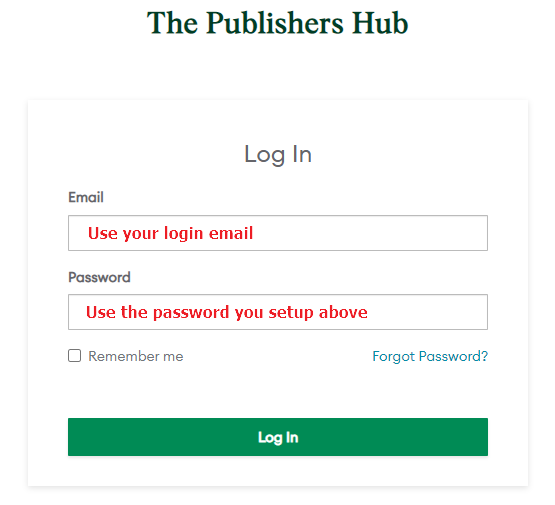
Once you are certain you’ve created your new password you are now ready to login to the new site at https://thepublishershub.lsccom.com/
Note: Your email is the same as the email above was sent to. The password will be the password you set from the email as outlined above.
FORGOT PASSWORD
If you’ve forgotten your password point your browser to https://thepublishershub.lsccom.com/
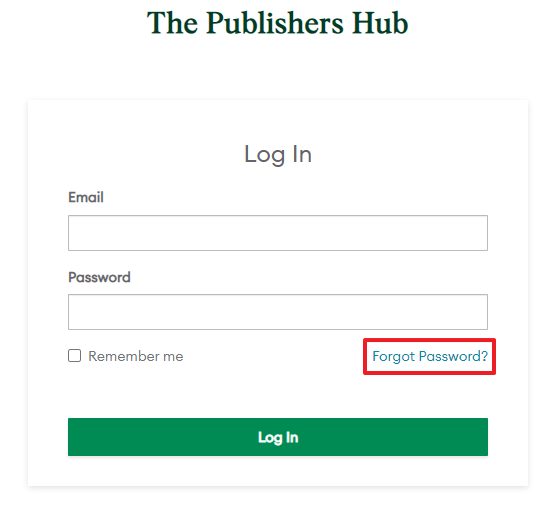
Click on the forgot password? Link and follow the instructions in the email you receive.
Note: Your email is the same as the email address that received the email in the first step above.