

Note: If applicable, stakeholders are not automatically carried over to the copied title. If stakeholders are needed for the new title, please configure them as outlined in this article.
Lakeside Scout provides the user with the ability to copy a title at any time regardless of its current state. This feature is useful when a publisher has two different titles that share similar content with maybe the exception of a different ISBN, cover, title page or copyright page for example.
Users with the right to copy can do so by clicking on the Copy title icon located in the top-right corner of the title banner.
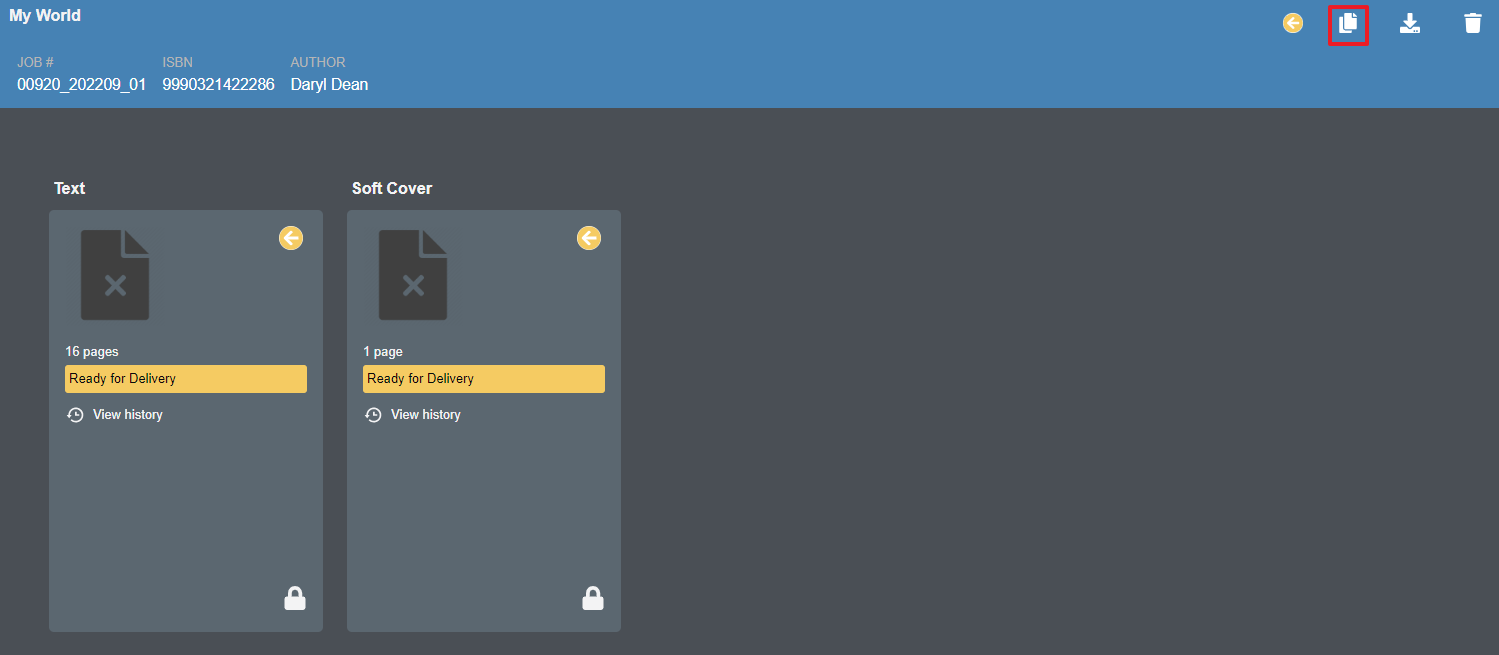
Clicking on the Copy title icon presents the user with a dialog box requesting the new ISBN or customer reference number. Title and Author fields are optional.
NOTE: Users cannot copy a title to an existing ISBN or customer reference number. Please ensure the new ISBN or customer reference number does not already exist in the account.
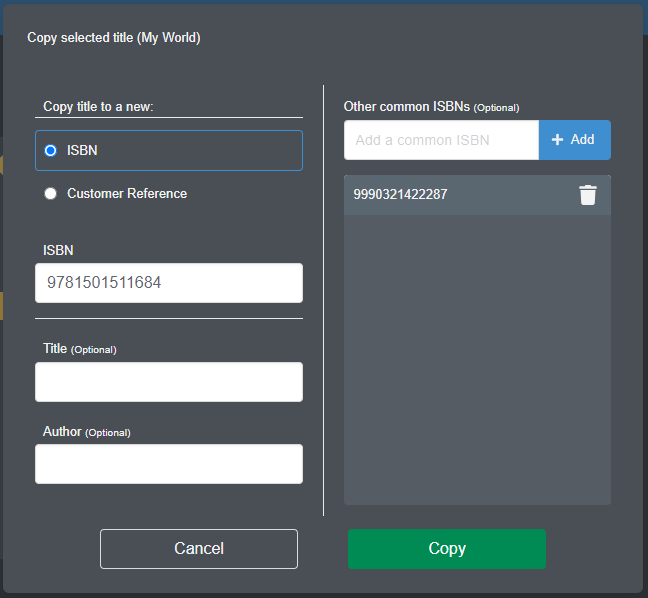
Other common ISBNs (optional)
The user has the optional ability to enter other ISBNs that may share some content.
IMPORTANT: This information is for visual reference only. There is no linking or direct commonality between the recorded ISBNs within Lakeside Scout. Making a correction in one title will not automatically make the correction in the other title.
Listing other possible common ISBNs will help inform the users that when making a correction to one title it may need replaced in other common titles. Corrections to other common titles must be managed by the user and made to each additional common version. See this article for details about adding/reviewing/editing a list of associated titles.
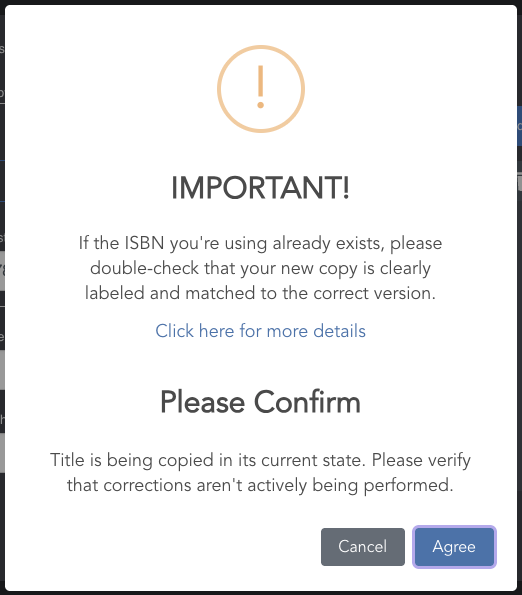
The user will be asked to confirm the process while being informed that the title will copy as is in its current state. This means any unresolved preflight issues, assigned corrections, approved, unapproved or rejected pages, etc. will copy "as is".
It is imperative that the user is fully aware of the content contained within the existing title being copied from as well as ensuring the new title being copied to is named with the correct title, version information, ISBN, and/or customer reference number. Equally important is ensuring that any page deletions, page replacements, or new page additions are made to the correct version of the copied title.
The Copy Title Process
As mentioned earlier, a title can be copied regardless of the stage the title is in: checked IN, checked OUT or in a hybrid mode where some components are checked IN and others checked OUT.
Upon successful copying of the requested title, the NEW title will automatically check ALL components OUT. This is done given Lakeside Scout assumes the user will be making slight changes to the new copied title in the most likely event the new copied title is not 100% identical to what it was copied from.
If the original title being copied and all of its components are already entirely checked IN (locked), allow additional time for the system to create the individual pages and thumbnails in the copied title.
If the original title being copied and all of its components are already entirely checked OUT (unlocked), the title will be immediately available to make required corrections.
If the original title has any component checked IN (locked), Lakeside Scout will then proceed to check OUT those components. Once all components from the new title are check OUT and unlocked, the title will be available to make any necessary corrections.